I bought it a few weeks back when it was on sale, but haven’t really fiddled with it much. I need to!
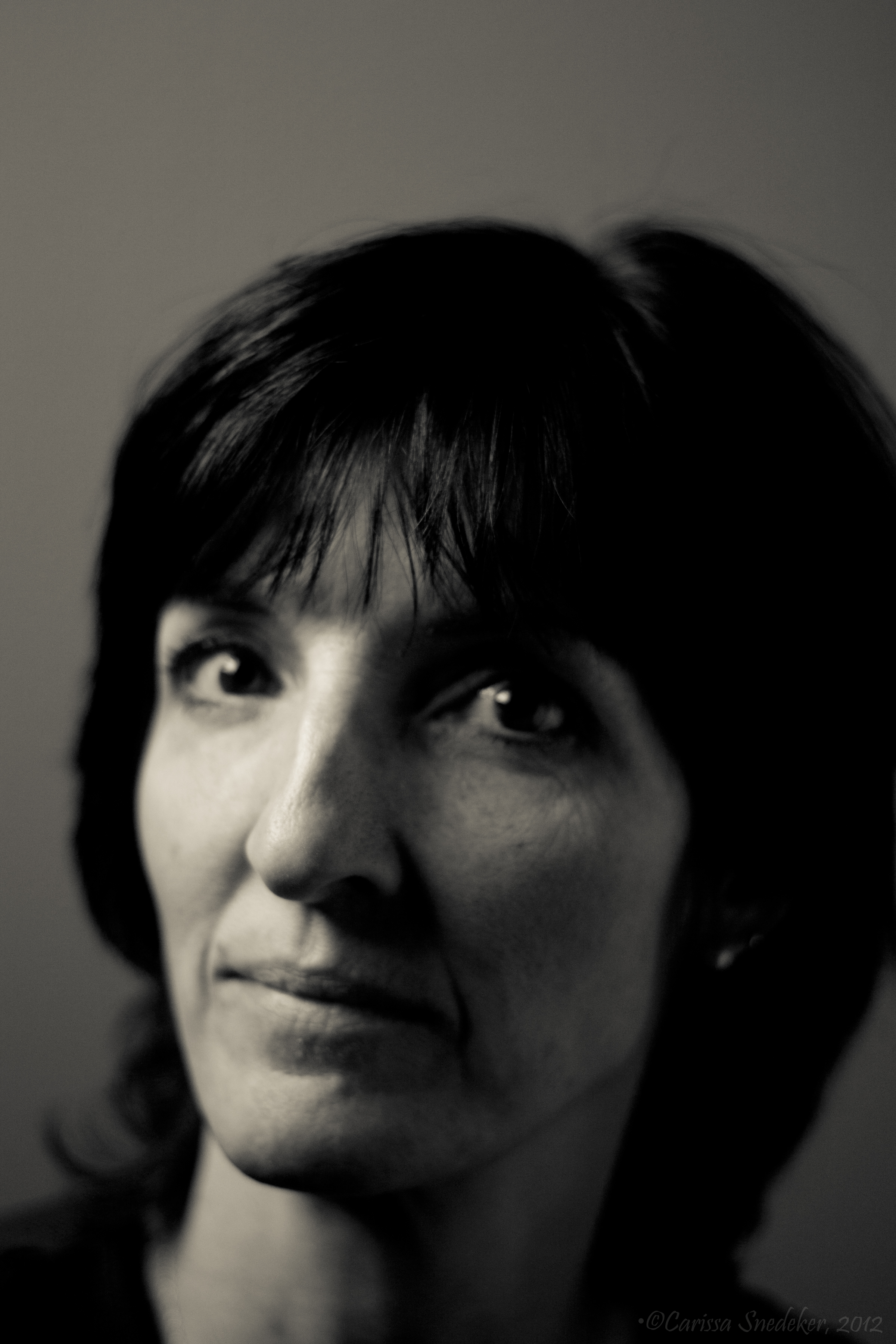
Here is one of the shots taken last night processed in Adobe Lightroom and adding the B&W Creative – Creamtone preset. I kinda like it.
I bought it a few weeks back when it was on sale, but haven’t really fiddled with it much. I need to!
Here is one of the shots taken last night processed in Adobe Lightroom and adding the B&W Creative – Creamtone preset. I kinda like it.
 Carissa Snedeker Photography
There are lots of free plug-ins for Lightroom. Scott Kelby has a book on it that I use as reference, and Adobe has an active community more plugins and help) on-line. (Note, Lightroom 4 is coming out, and there is a new book that will be coming out from Scott. If you plan to upgrade to the new version you should wait for that book to be out).
However, I just go in there and play around. For specific things I use the on-line help (batch processing, etc), but mostly I push buttons to do stuff, then if I like it, I save it as a preset I can use again.
I would suggest membership to NAPP ($100/year last I checked). Their monthly magazine has “how-tos”, and their on-line resources have a lot of stuff.
LikeLike
I go into most of my new computer programs kicking and screaming because of the learning curve I know I have to deal with. I had an early version of Lightroom on my computer for two years without doing anything with it. Then I upgraded and learned how to use it (at least some of what there is to learn about it). Now I couldn’t work without it. I have all my plug-ins attached to it and I absolutely love it. Good luck with it.
Like disperser said, a NAPP membership is a great value. They have photoshop and lightroom tutorials on their website, a monthly magazine, and lots of discounts for plug-ins.
Have fun.
LikeLike
Thanks for all the info. I will check into that membership. Sounds like it’s worth every penny.
LikeLike
By the way, this blog:
http://heyesphoto.wordpress.com/2012/04/11/adobe-lightroom-raw-edit-71-froknowsphoto/
has occasional posts showing the step to editing raw files in both photoshop and lightroom.
LikeLike