I read this tutorial on removing blemishes and smoothing skin and I just had to try it out.
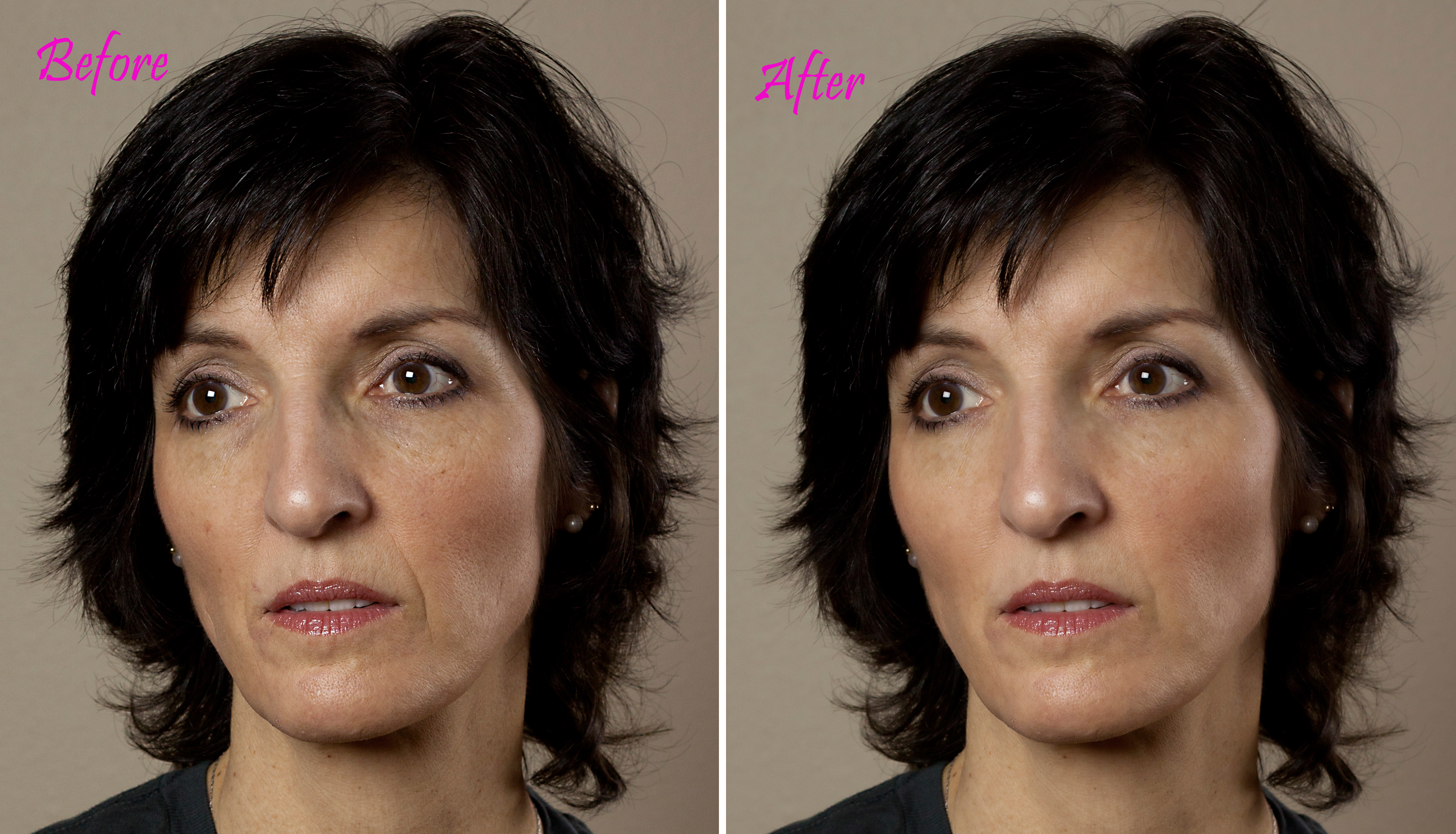
EDIT: I’ve created a side-by-side jpg to show the subtle changes I made per my note in the comments. As always, clicking on any image will take you to a larger version, and will be very helpful for this particular image.
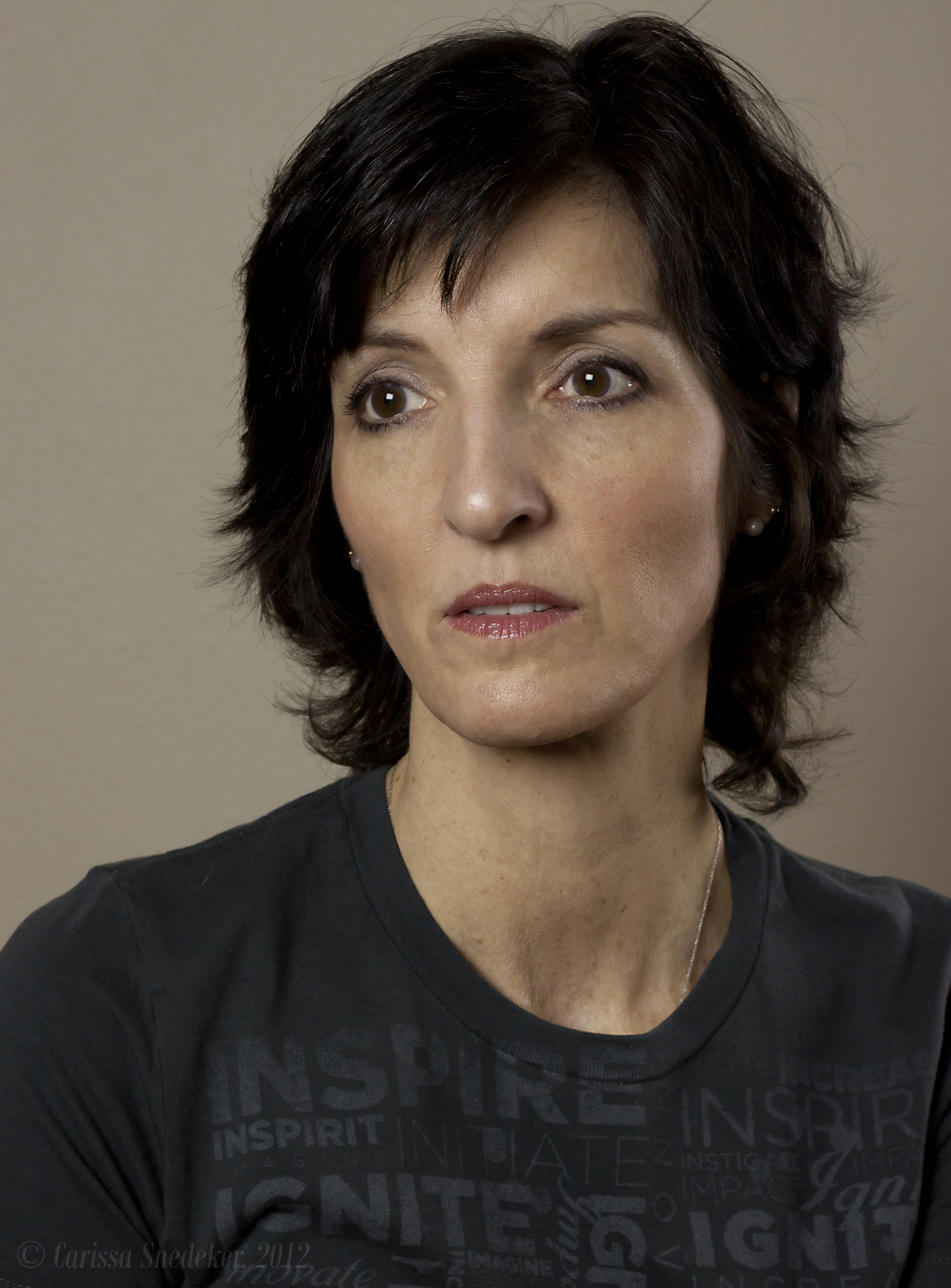
I took this photo from the other day . . .

Removed a few blemishes, lightened the dark areas under my eyes, corrected a few lines and smoothed my skin. The tutorial said to go 50% on the smoothing, but I just went 25%. Anyway, it was a fun exercise. And the results are interesting. It’s still me, but better.
I’m stopping on my way home to have my camera’s sensor cleaned. I was horrified today to notice specks of dust. And since the camera is nearly two years old, I am sure it needs it anyway.
No photo of the day until my baby is all cleaned up. I’ll check in later.
EDITED SIDE-BY-SIDE (click on image for larger resolution)
 Carissa Snedeker Photography
Can you teach me how to do that every day when I get ready?
LikeLike
Ha!
LikeLike
great practice… have to try out myself.. I can use some ‘smoothing’ myself, as we are not in our twenties anymore :D, would be great if it were that easy in real life, although I think every wrinkle has its story 😉
LikeLike
My daughter said she couldn’t really see the difference, but I didn’t want take a heavy-handed approach at all. I got rid of a dark spot on the left cheek and a couple of other blemishes, erased two small surgical scars (one on each side of my jaw), softened my naso-labial folds, got rid of the crease lines on my upper lip, and lightened the dark circles under my eyes. And then I did an overall smoothing. The program called for 50% but that felt like a little too much for me, so I made it 25%. I didn’t want to lose ALL the lines on my face, because, as you say Joanna, each one has its story.
LikeLike