Wandering around out front looking for something to shoot, I almost walked past this little guy perched on the evergreens.

Wandering around out front looking for something to shoot, I almost walked past this little guy perched on the evergreens.
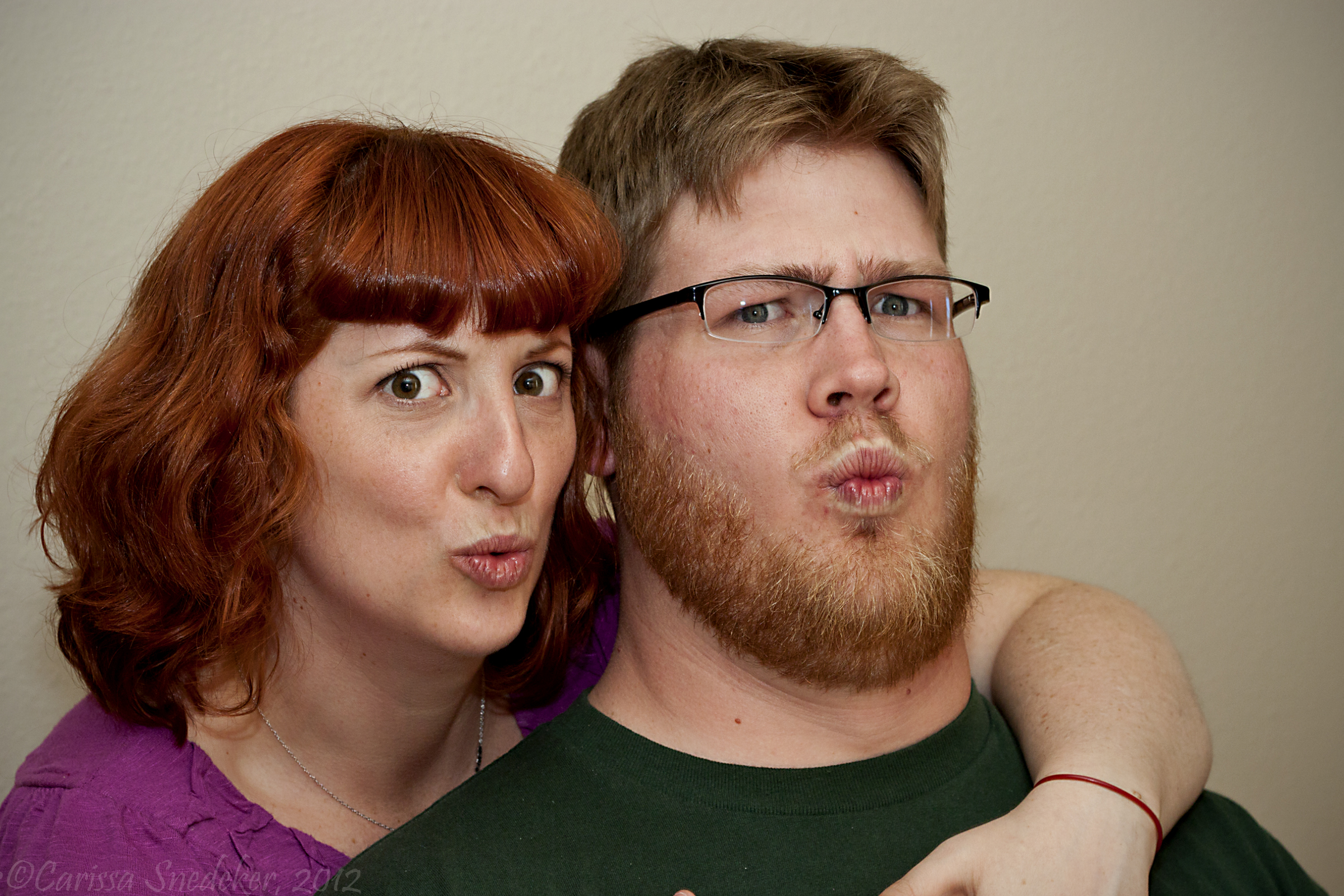
We were celebrating Daughter’s birthday a day early, and of course, I had to seize the opportunity.

Happy couple!
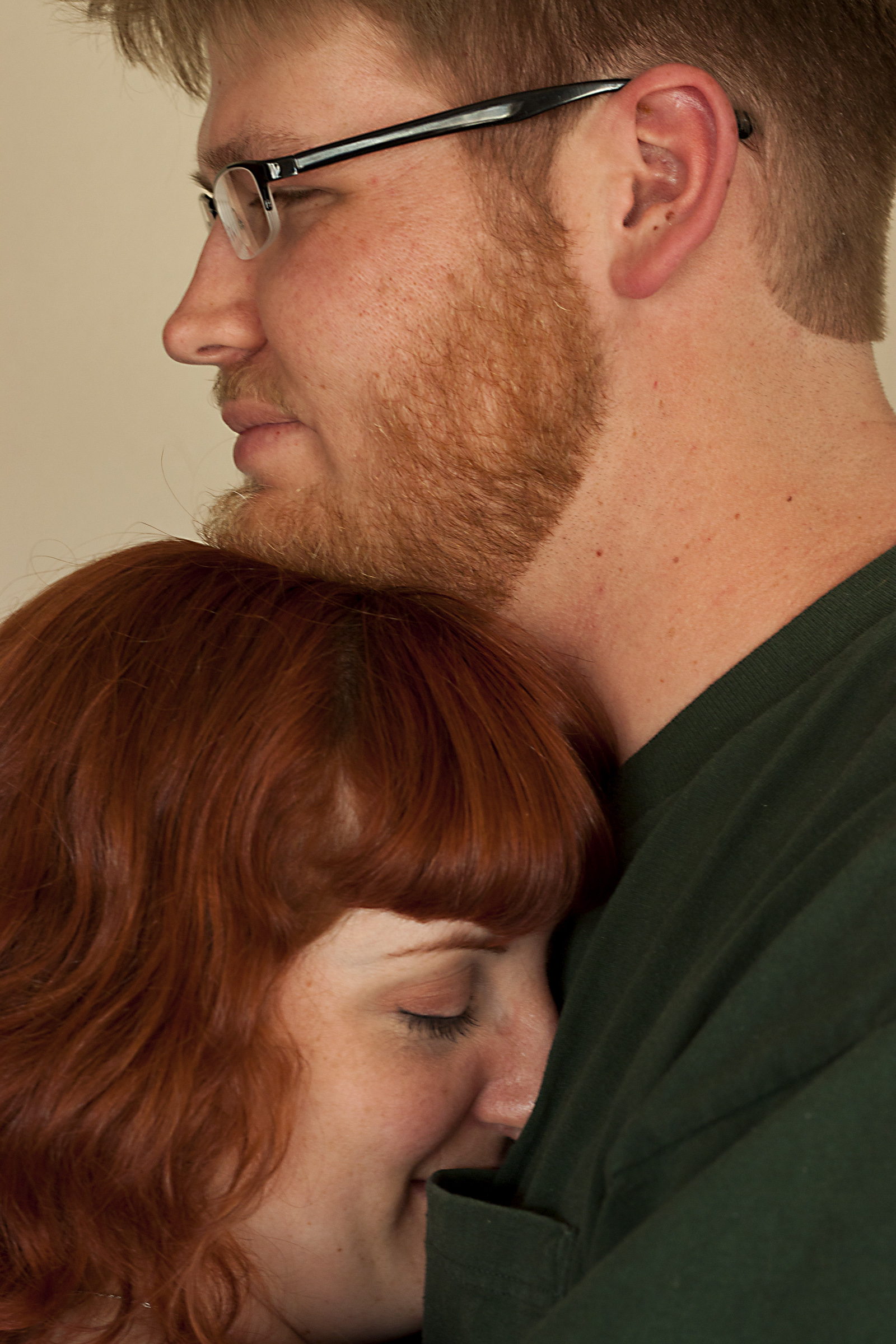
Awwww.....
This next shot was a challenge and a technique I’m going to keep working on.
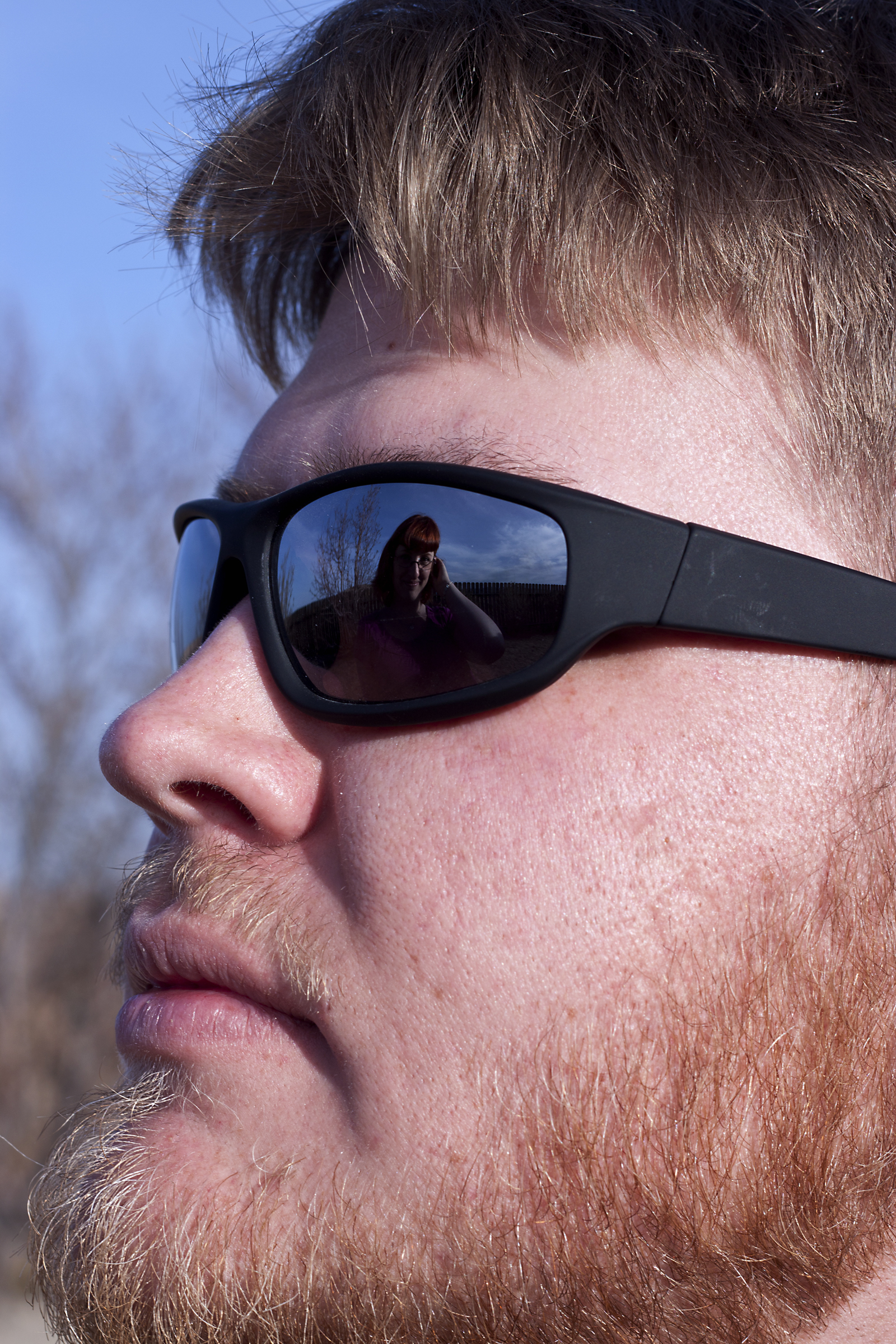
Love reflected
And they helped me with my lighting class assignment too!

Gotta add one more.
I’ve been struggling with my color shots, especially those shot indoors. I’ve had a gray card for a few weeks now but haven’t put it to work until today. It makes a world of difference.
Though I set my camera’s white balance I’ve been noticing that my photos still seem to have a bluer hue to them than the actual scene. Below is a (blurry) photo of Maya sitting on the coffee table. I set the camera’s white balance to “shade.” You can see the gray card in the lower left corner.

I then opened the RAW file in Adobe Bridge and set the white balance tool using White Balance Tool (click on tool then click on gray card with eye dropper tool).

And . . .
VOILA! Properly-hued kitteh!

Once you have adjusted one photo’s white balance, you can use these settings to synchronize all the rest of the photos in the batch.


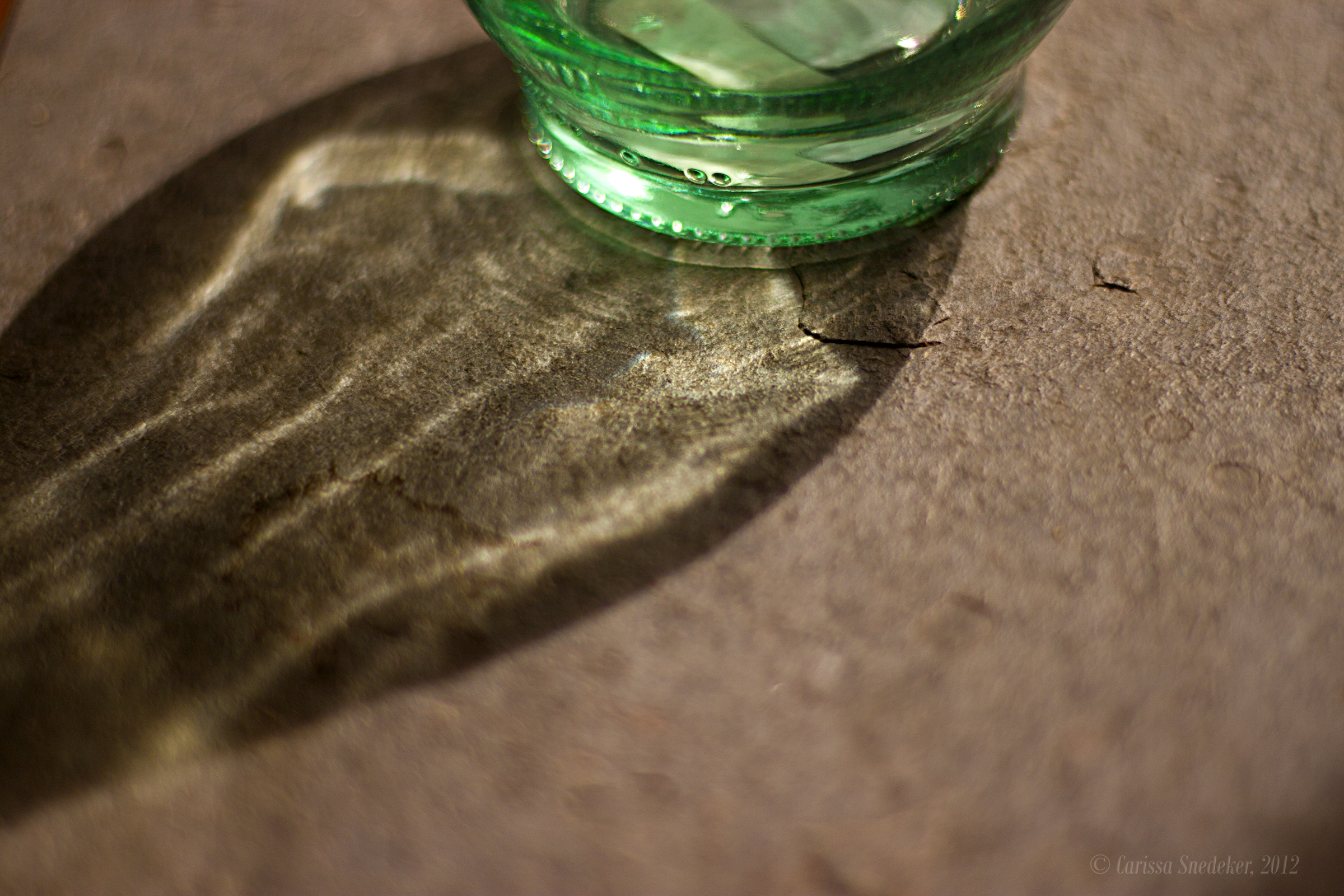
Just playing around with the olive oil bottle.
I like how Maya’s shape is echoed by the edge of the sofa.
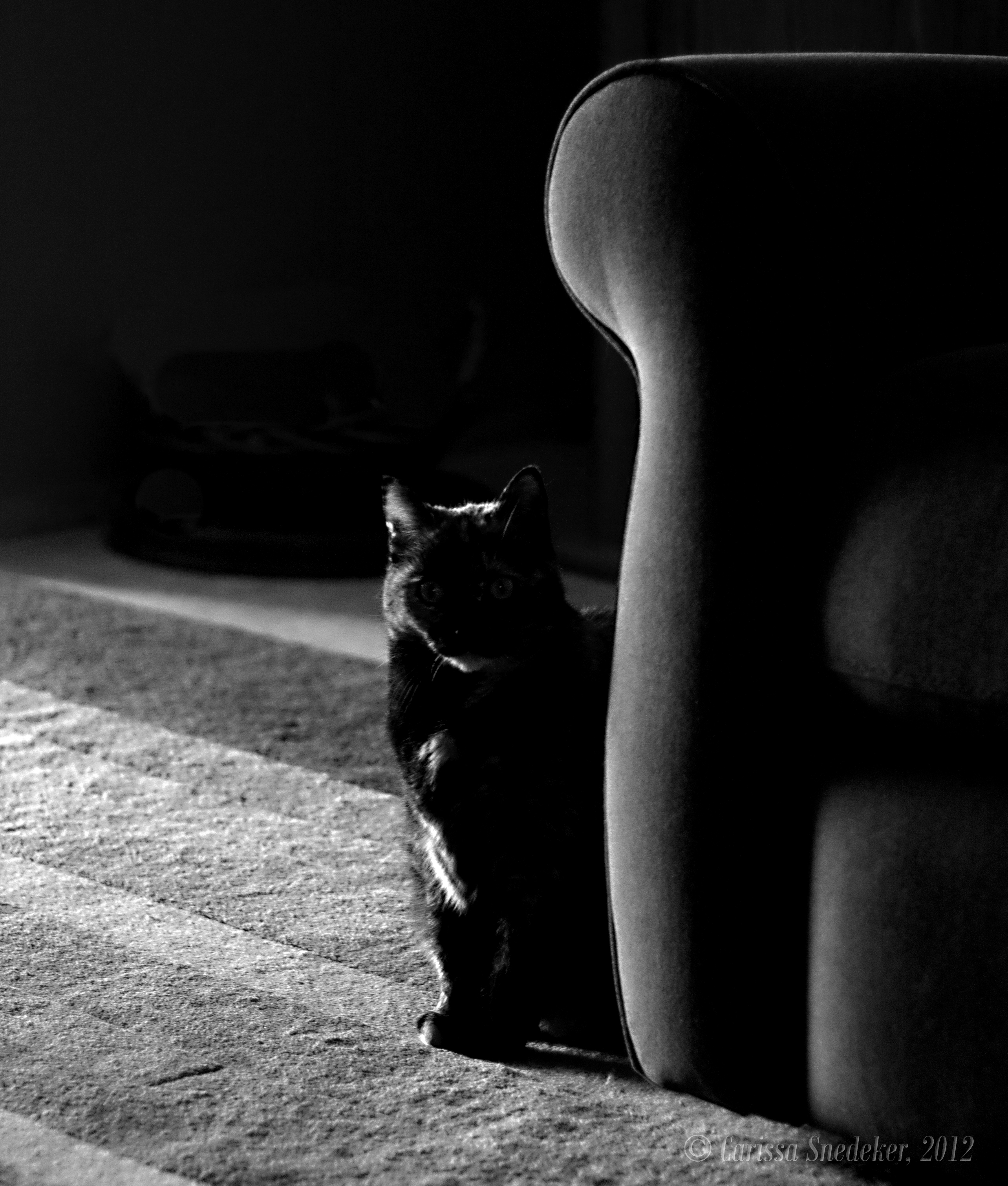

© Carissa Snedeker, 2012
Doesn’t matter.
Do it anyway. Take the next step.
Do it because it’s fun. Do it because the world needs more beauty. Do it because your inner voice is too loud and you can’t get to sleep.
Act before you’re ready because regret sucks.
I’m in Washington, DC and spending the night at an old friend’s house. The thing is my friend isn’t actually here as he was scheduled to be in New York tonight. Long story short, I’ve got the place to myself. Well, almost. Brian’s beloved Jake is keeping me quiet company. He keeps hoping Brian will come through the door.

(Edited to add, since a few readers are confused by the fact there is no photograph with this post. Please click on the words above. You’ll see why I linked to it.)
 Carissa Snedeker Photography