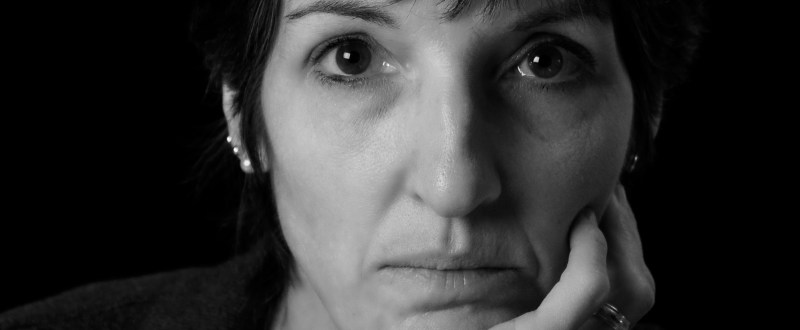
Just messing around today, in between loads of laundry. . .


Just messing around today, in between loads of laundry. . .
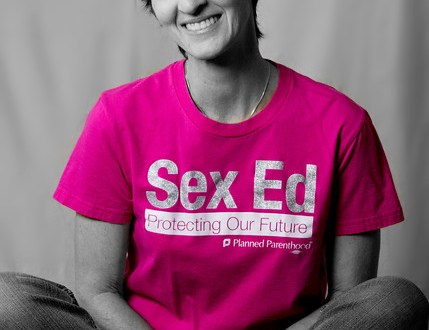
I couldn’t figure out how to use the selective color feature in Photoshop, so instead I added a black and white layer and erased part of the layer to leave just the pink of my t-shirt. A few more tweaks and voila! I’ve had this t-shirt since our local Planned Parenthood was working with the state legislature in an attempt to standardize sex education across the state. Unfortunately, the measure did not pass and we continue to have a patchwork of curricula that vary drastically from county to county.

Another shot…Black and White conversion in Photoshop with some tweaking in Nik Color Efex Pro. I’m having entirely too much fun with this software!


Just fooling around with Nik Silver Efex Pro 2. I’m giving it a 15-day trial.


I took a walk this afternoon.


I visited the cows across the way . . .

And then I looked up . . .

After I got back to my office I fiddled around with shallow depth of field for a bit . . .

That is all.
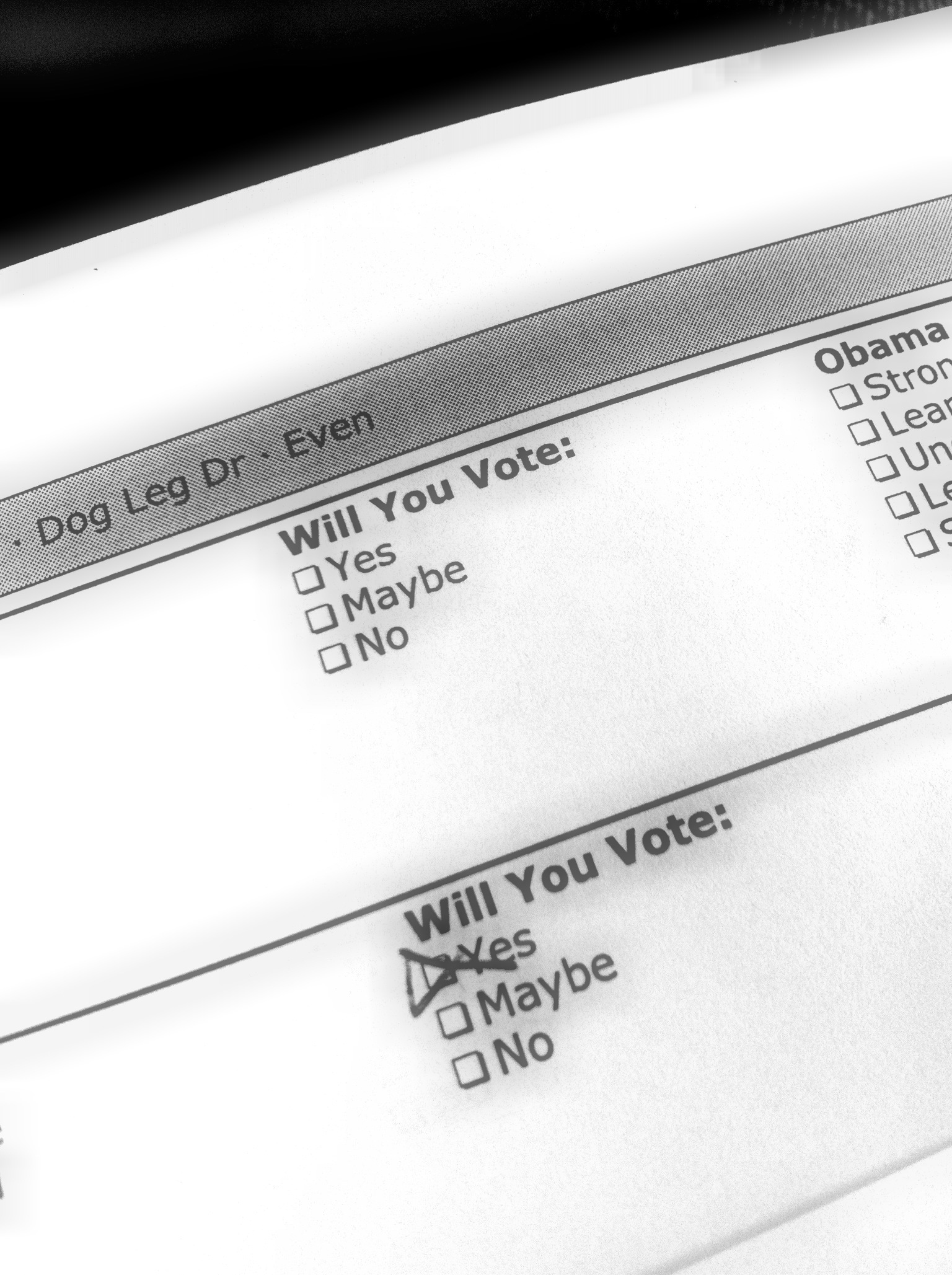
I spent a good portion of the last two days walking neighborhoods in my county for my chosen Presidential candidate. I snapped a portion of my walk list with my iPhone. I added a few effects via my Photoshop app for iPad.

It’s a sickness. I know. I was going for a more dramatic feel today.
More at this gallery.
I love this one the best. Me and Jezebel. Just the key light at camera left at 45 degree angle.

Profile. Key light to camera left, hair light to camera right and slightly behind me.

This is looks like a “Citibank commercial” shot.

I’d moved the key light forward for the next two and added my SpeedLite flash to bounce light off the ceiling to give my hair a bit more definition.

More fill-light on this one.

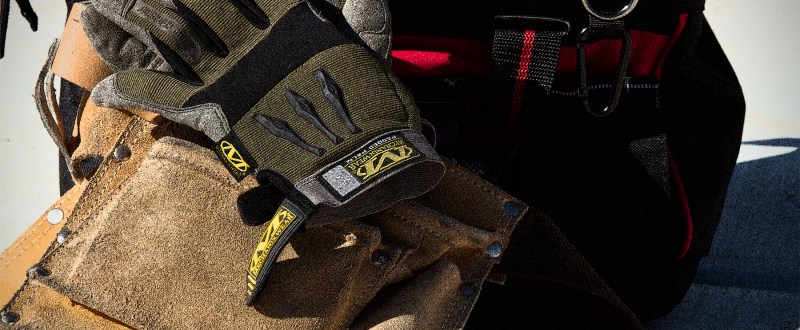
Some of my co-workers and I volunteered with Habitat for Humanity today.

We got in on the ground floor (cough).


 Carissa Snedeker Photography