Day 104 – Before and After

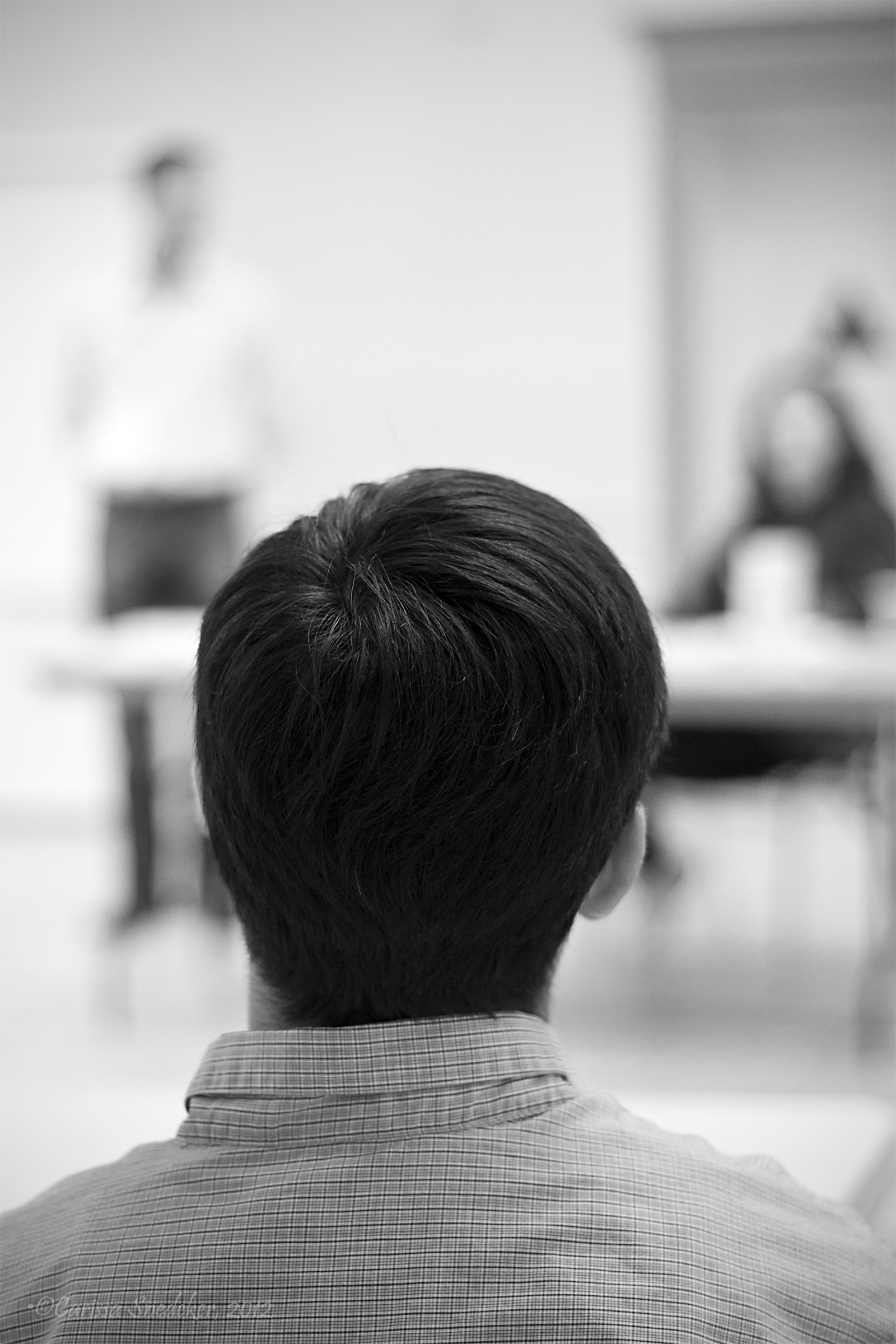
I’ve been at the Medical Outreach Response Event all day; and I will be there all day again tomorrow.   I took a lot of pictures, and it will take me awhile to get through them all.  By far the largest number of people who attended came for dental work.  We had so many requests, that we had to go to a lottery system. Those tickets were gold.  One of the lucky ones was Mark who allowed me to photograph his session with Dr. Brad.  Mark is an incredible guy with a happy outlook on life even with all that it has thrown at him.

Mark got a filling on his front incisor.

Here is the before . . .

Dr. Brad got to work . . .


And the result!


Day 102 – A little bit of this, a little bit of that

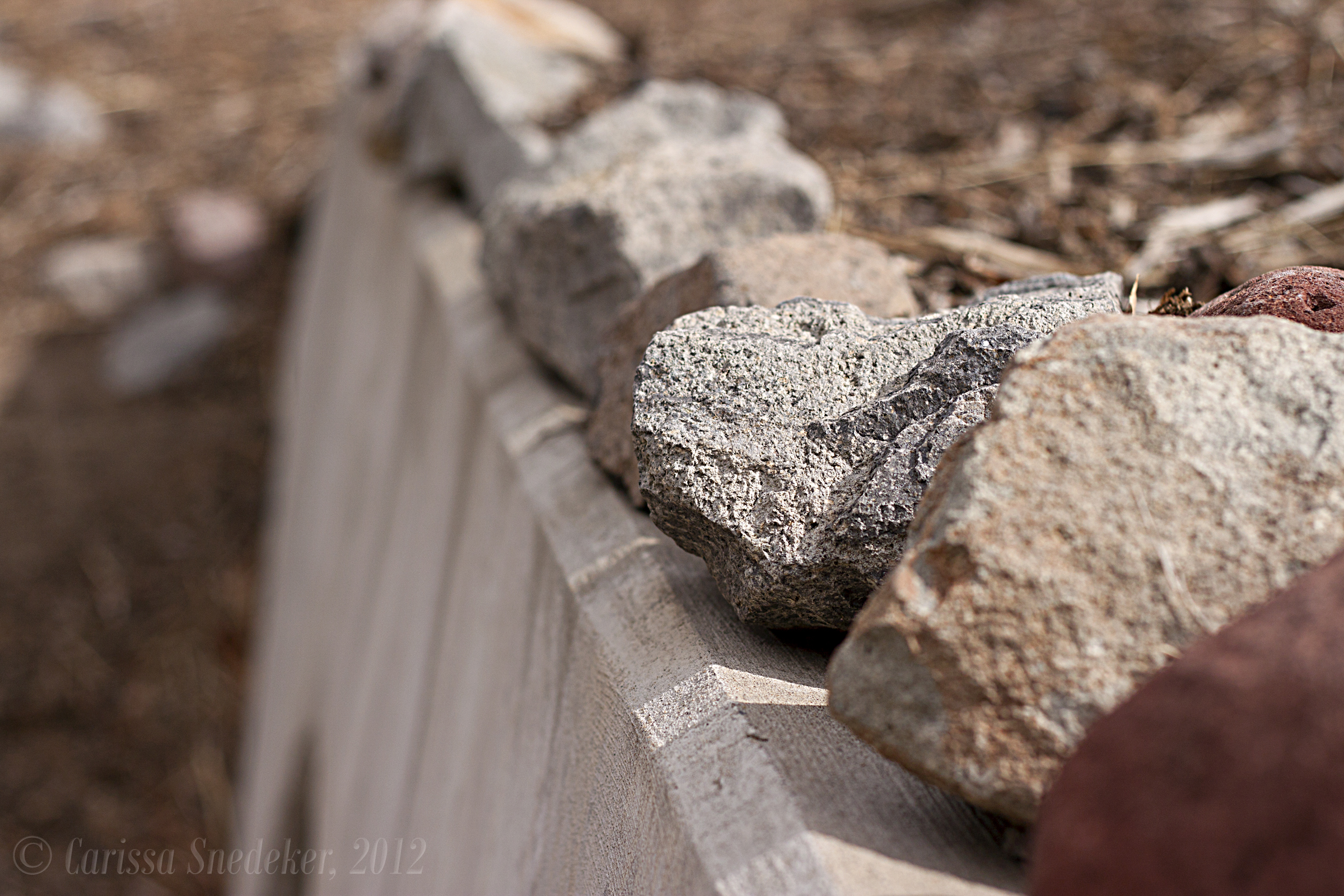
I tried to find some interesting things around the grounds this afternoon.  Someone neatly arranged these rocks atop the storm drain.


And I can’t seem to get enough of these dried flowers.


I’ve been wanting to play with HDR some more, so I shot this looking across the lot that is kitty-cornered to our property.


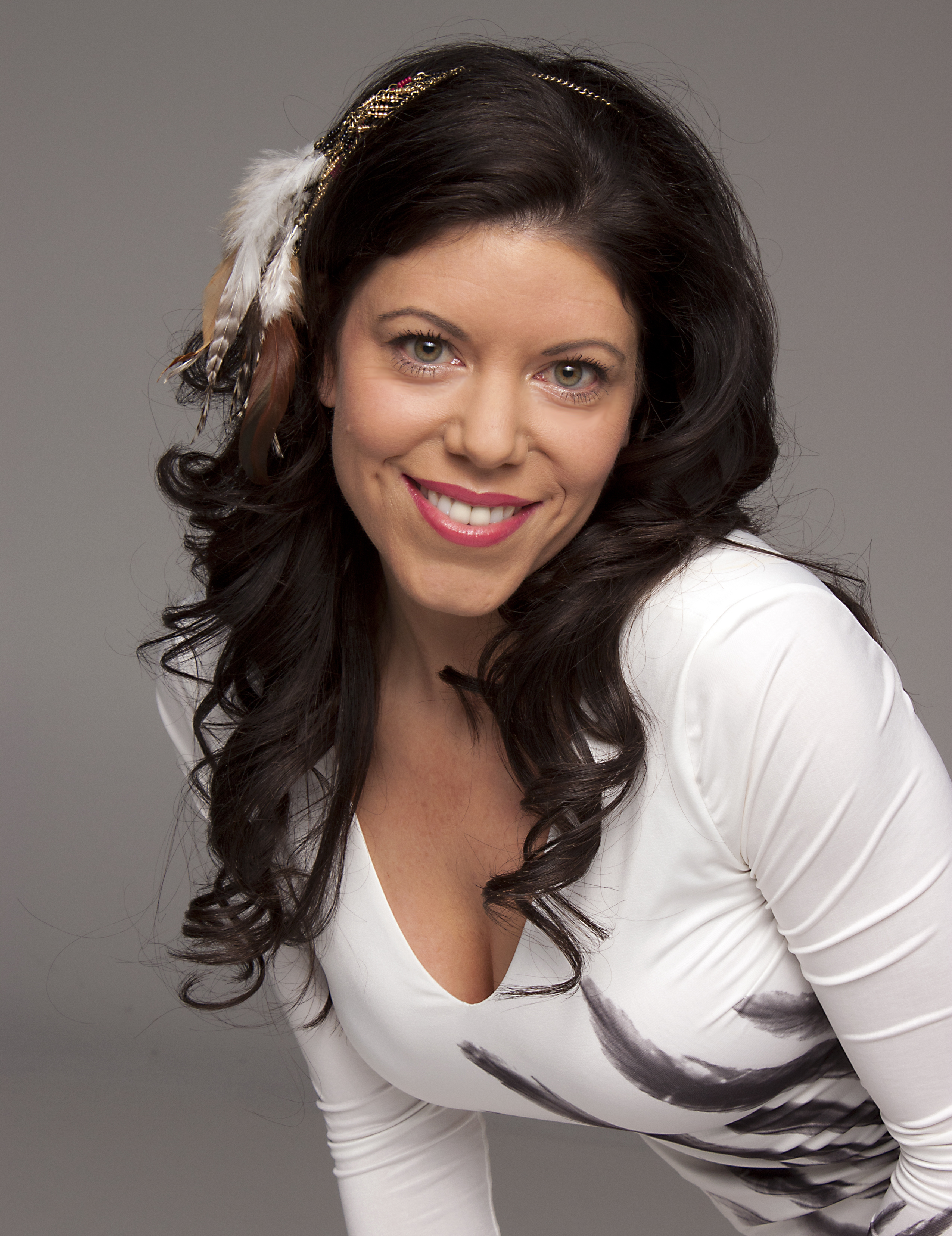
And before I processed these, I had to do my homework: finishing up the models’ photos and getting them emailed off to them. Here is a sampling.


Day 101 – Under the wire

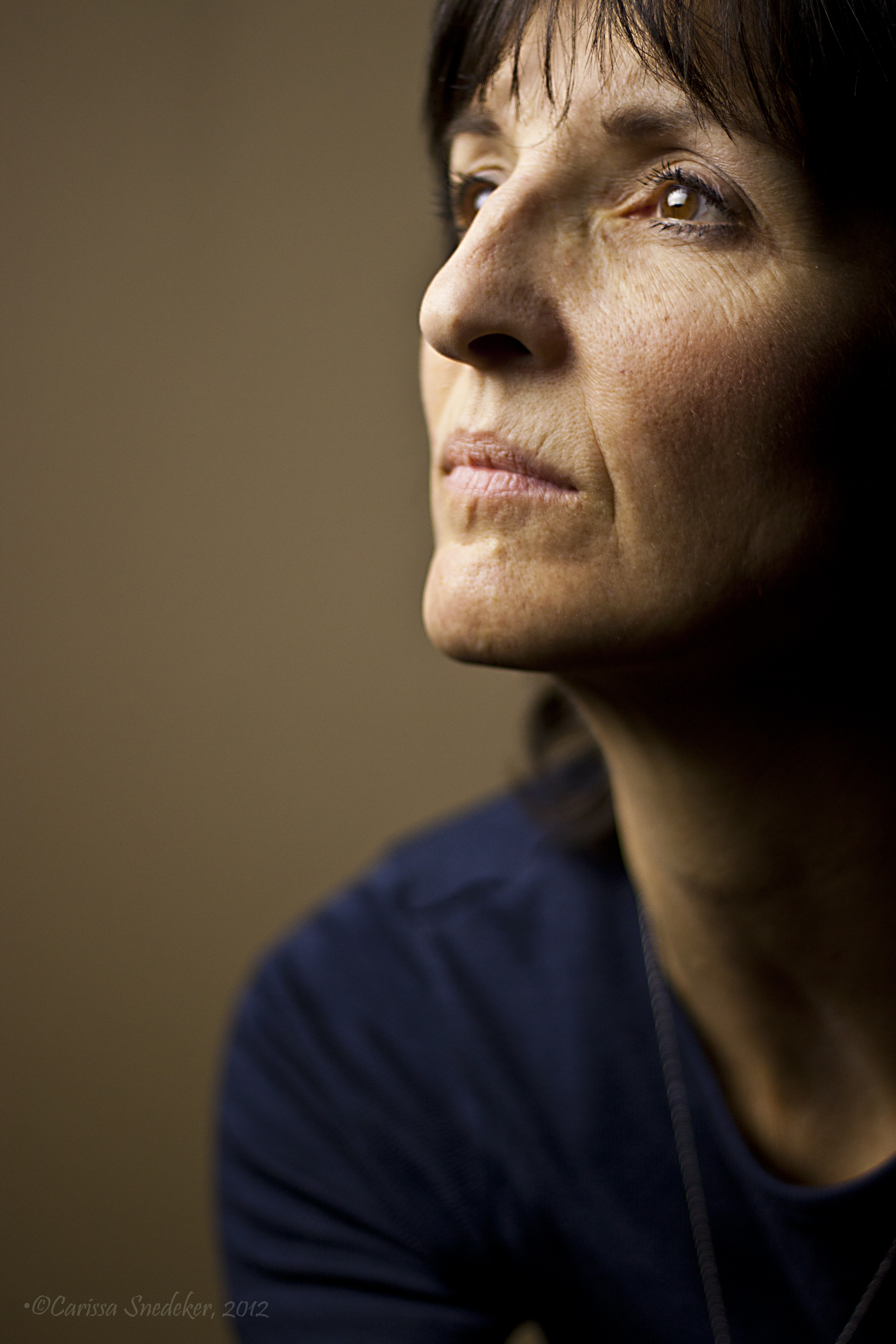
Apologies. Nothing to write home about here. It’s been a busy day and I spent the hours after class tonight processing photos I shot in Jeff’s studio last week. Our class shot three models and we are required to provide some shots to each of them for their portfolios.   The hour was getting late so I quickly set up my studio lights and shot a few self-portraits to try out some lighting effects.

I shot these with the light above my head to camera left and a fill card at camera right.  Shot at f/1.8, just for fun. I have to apologize…not my best work.

Day 99 – Gray Card

I’ve been struggling with my color shots, especially those shot indoors. I’ve had a gray card for a few weeks now but haven’t put it to work until today.  It makes a world of difference.

Though I set my camera’s white balance I’ve been noticing that my photos still seem to have a bluer hue to them than the actual scene. Below is a (blurry) photo of Maya sitting on the coffee table. I set the camera’s white balance to “shade.”  You can see the gray card in the lower left corner.

I then opened the RAW file in Adobe Bridge and set the white balance tool using White Balance Tool (click on tool then click on gray card with eye dropper tool).

And  . . .

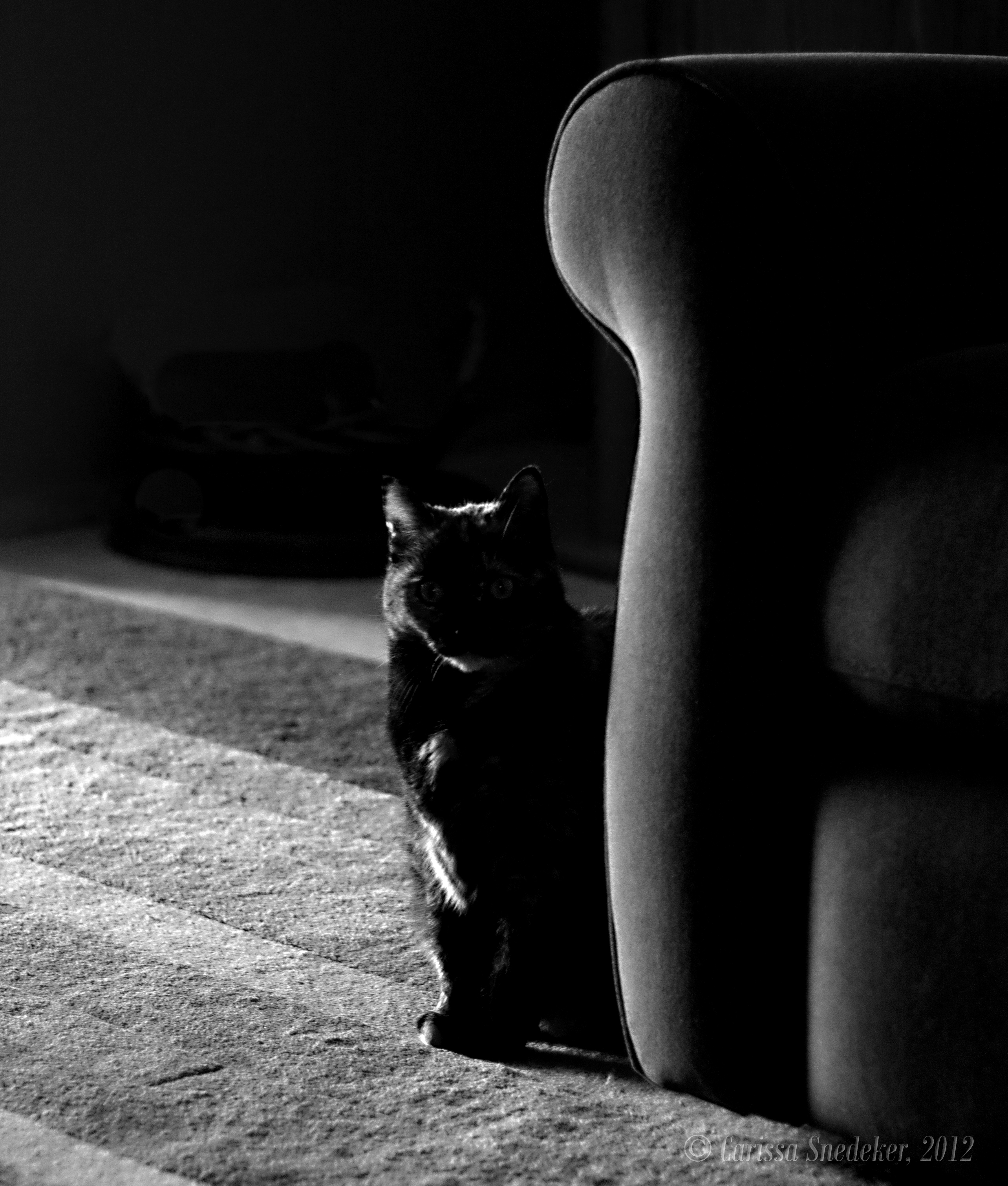
VOILA!  Properly-hued kitteh!

 Once you have adjusted one photo’s white balance, you can use these settings to synchronize all the rest of the photos in the batch.

Day 97 – Volunteers

I have the honor of being the official photographer of the Medical Outreach Response Event that will be happening in my town next Friday and Saturday. This event is a two-day affair similar to events that have been held all over the country in order to provide medical, dental and optical services to uninsured or under-insured people. With over 600 people from mine and surrounding counties responding and more expected to walk-in, it will be a busy two days.  We still need additional dentists and doctors, and time is getting short.

I met with some of the organizers today to discuss logistics, aims, etc, and of course, I had to take the opportunity to get some photos of the organizers and volunteers.

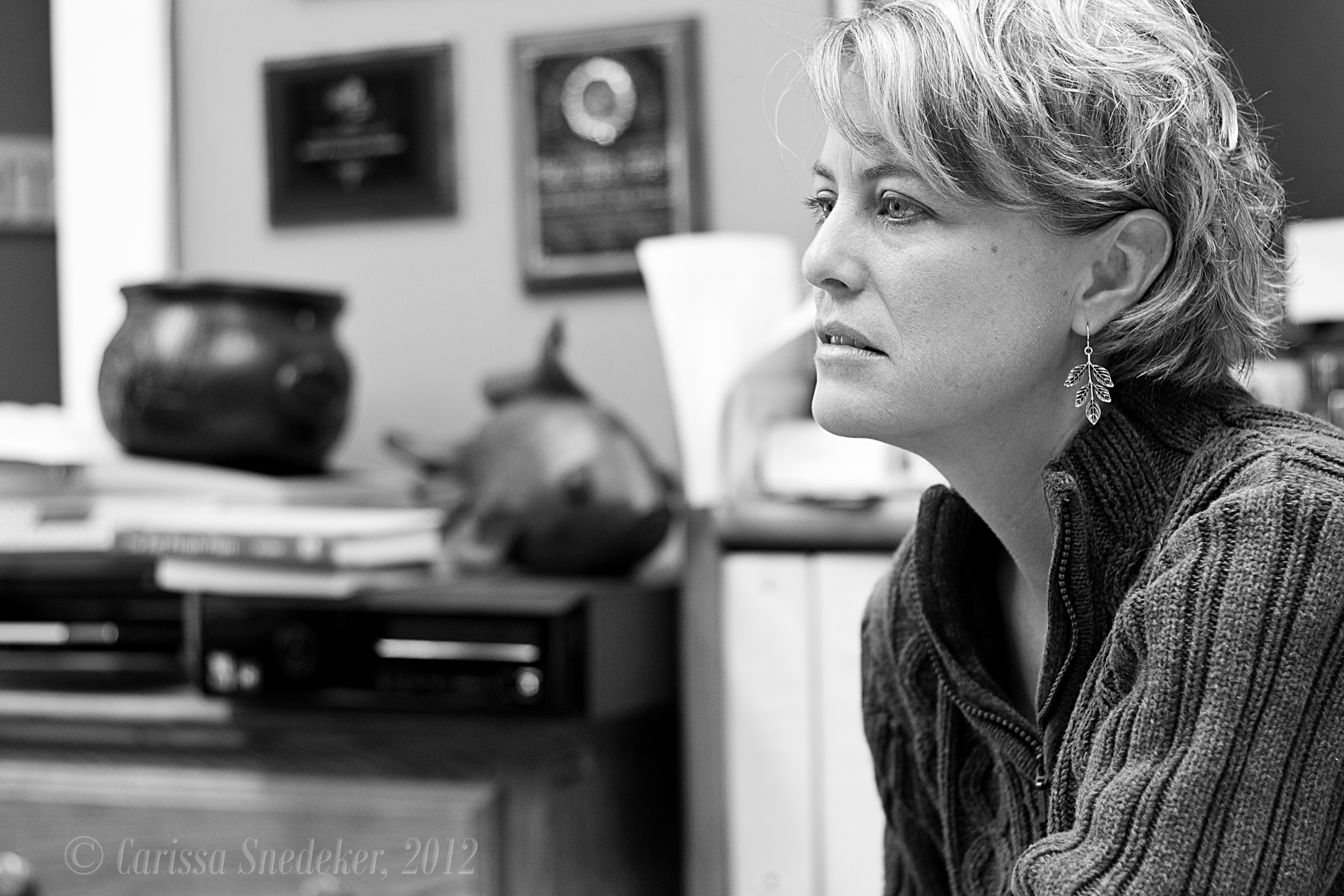
The "force" behind the Healthy Communities Coalition.

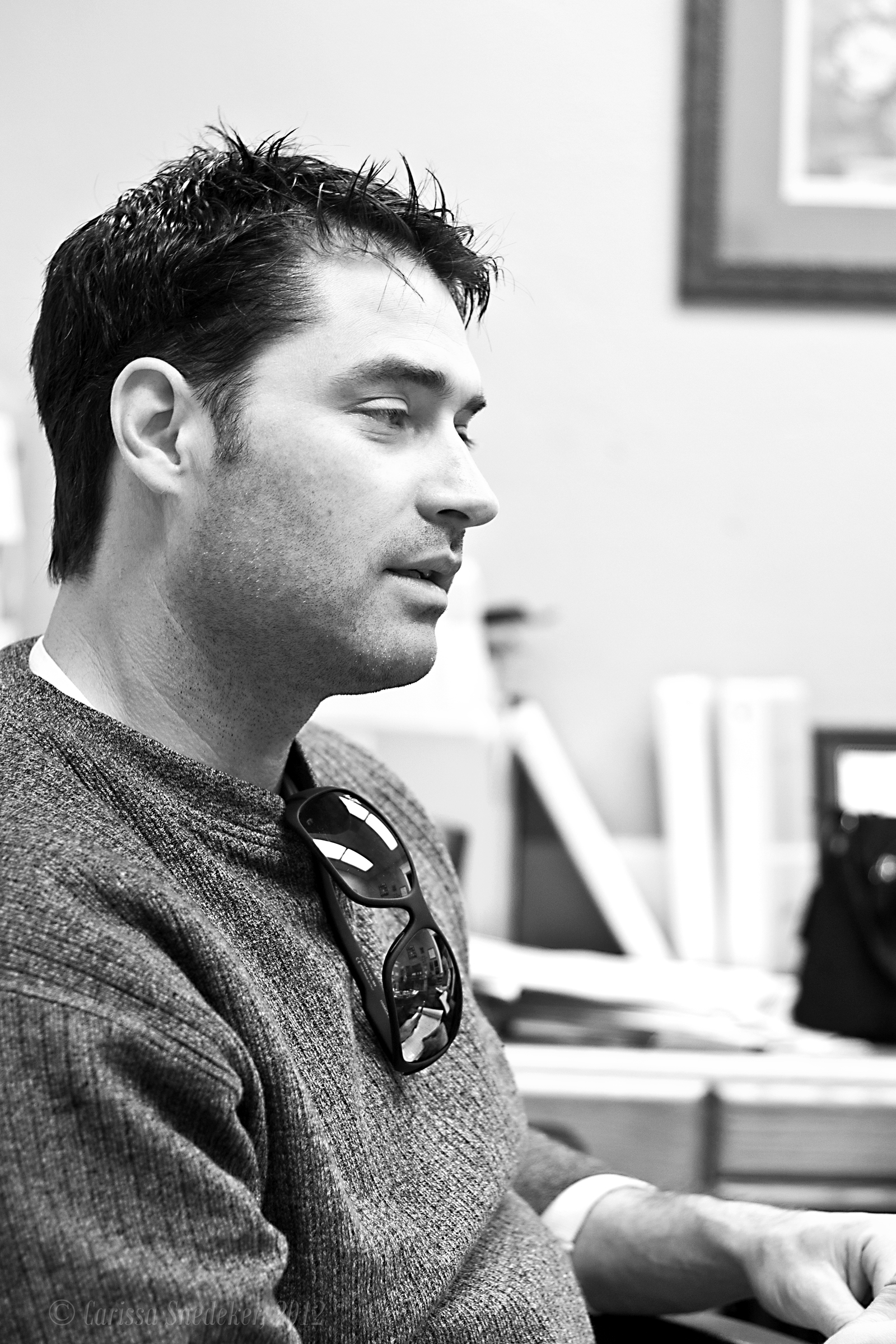
The "Force's" husband and event volunteer.

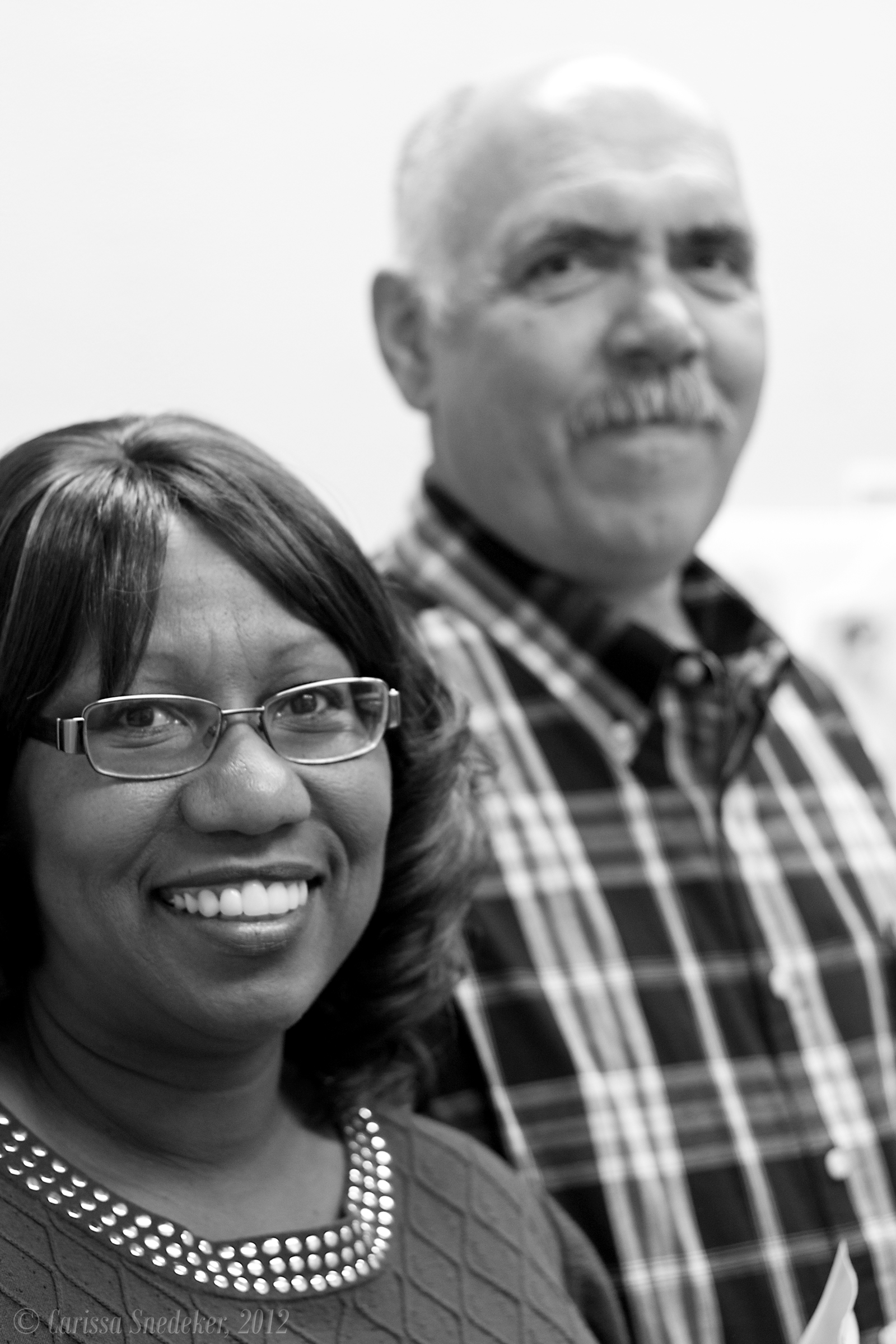
Our Volunteer Coordinator and her husband who is the graphics and signs guy.

Phone calls have to be made to the clients . . .

And health care providers need to be contacted and coordinated with as well . . .

STAN BROCK BRINGS HEALTH CARE TO AMERICANS WITH REMOTE AREA MEDICAL PROGRAM from [ r2:studios ] on Vimeo.