I had to run to Whole Foods to grab some lunch for my boss’ boss (very nice woman). Outside the store were racks of gorgeous flowers. I want to plant some!
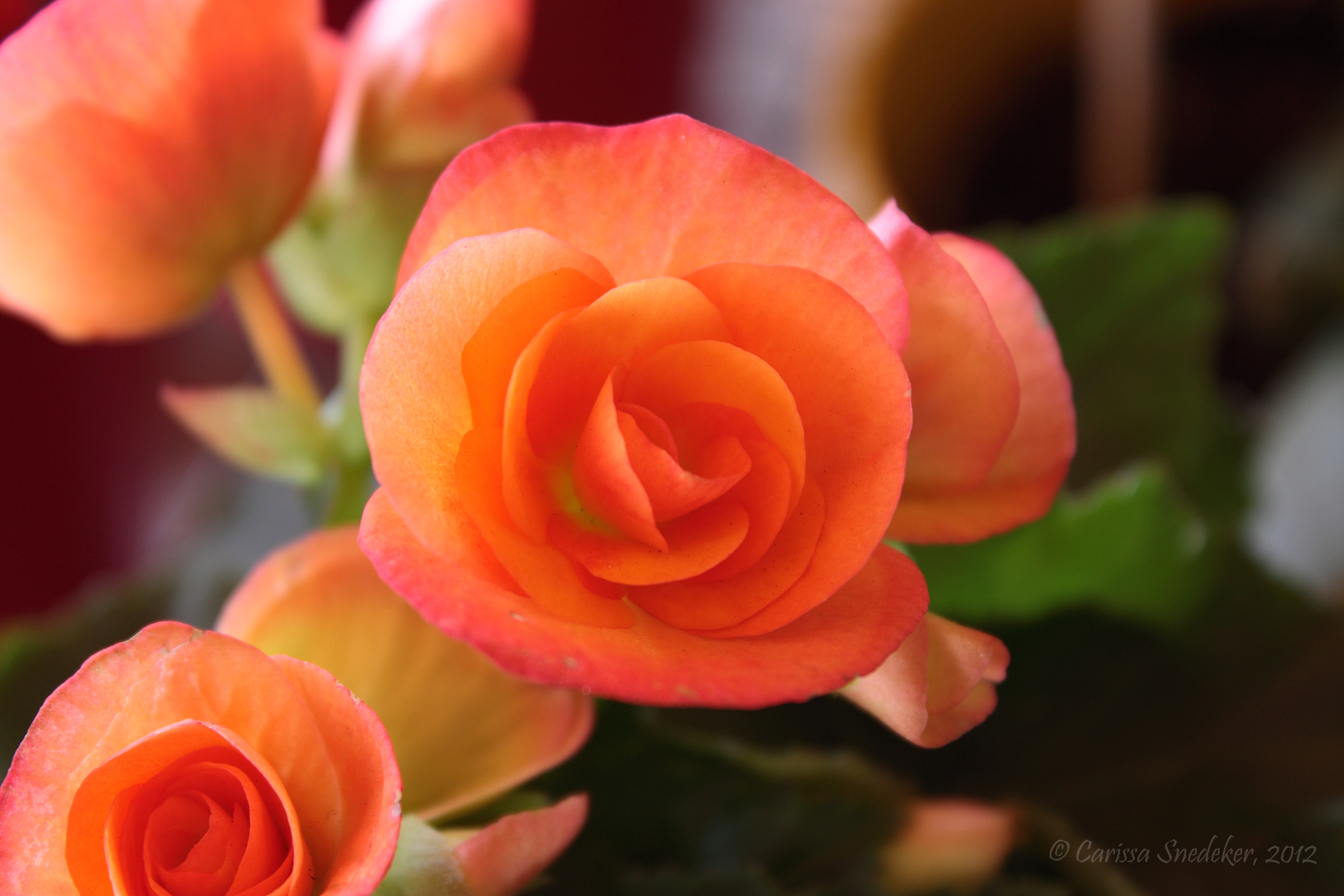
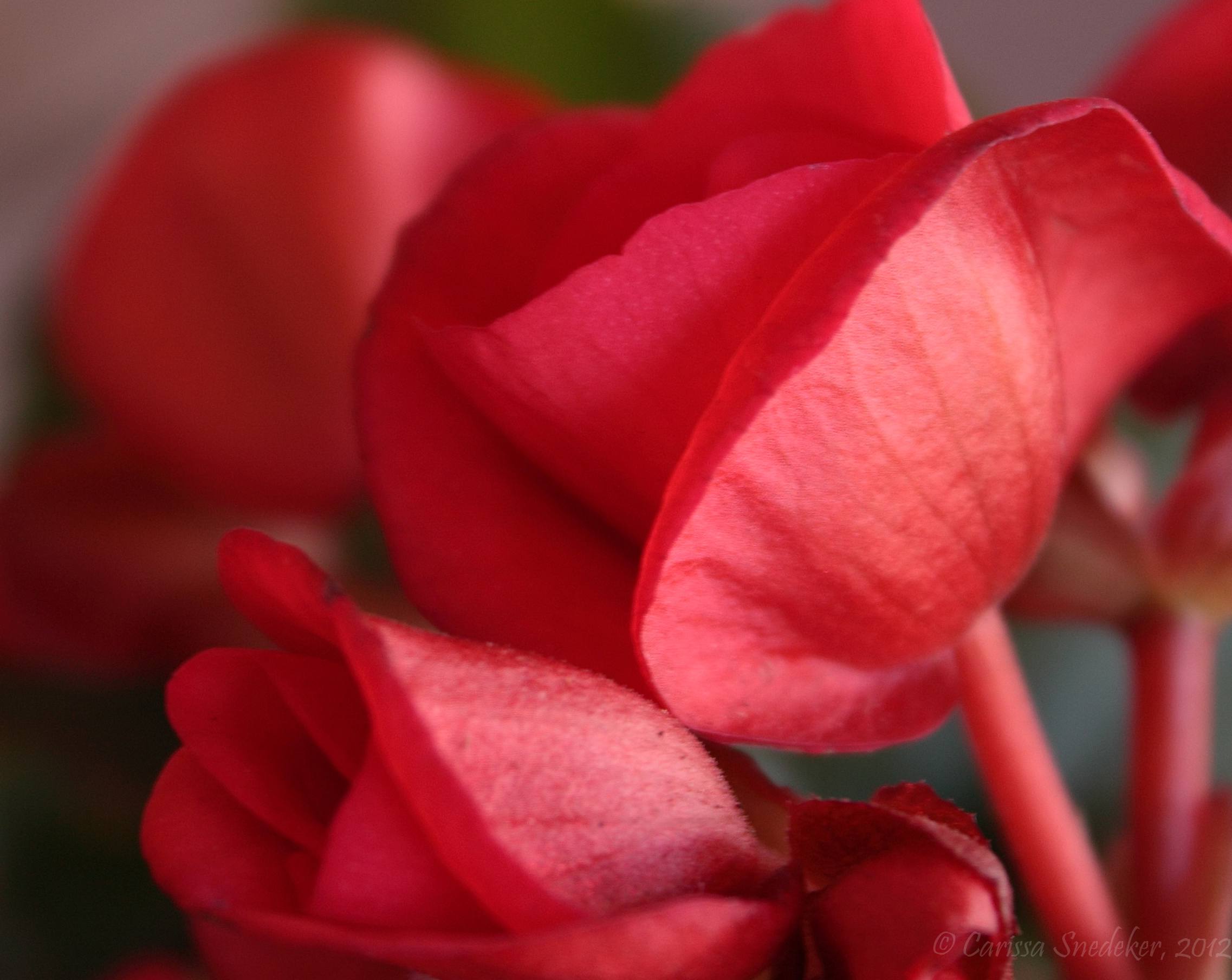

I had to run to Whole Foods to grab some lunch for my boss’ boss (very nice woman). Outside the store were racks of gorgeous flowers. I want to plant some!
I shot these photos through my car window on the way home.
This photo looked best in black and white.

The overcast sky made an effective backdrop to John Ascuaga’s Nugget.

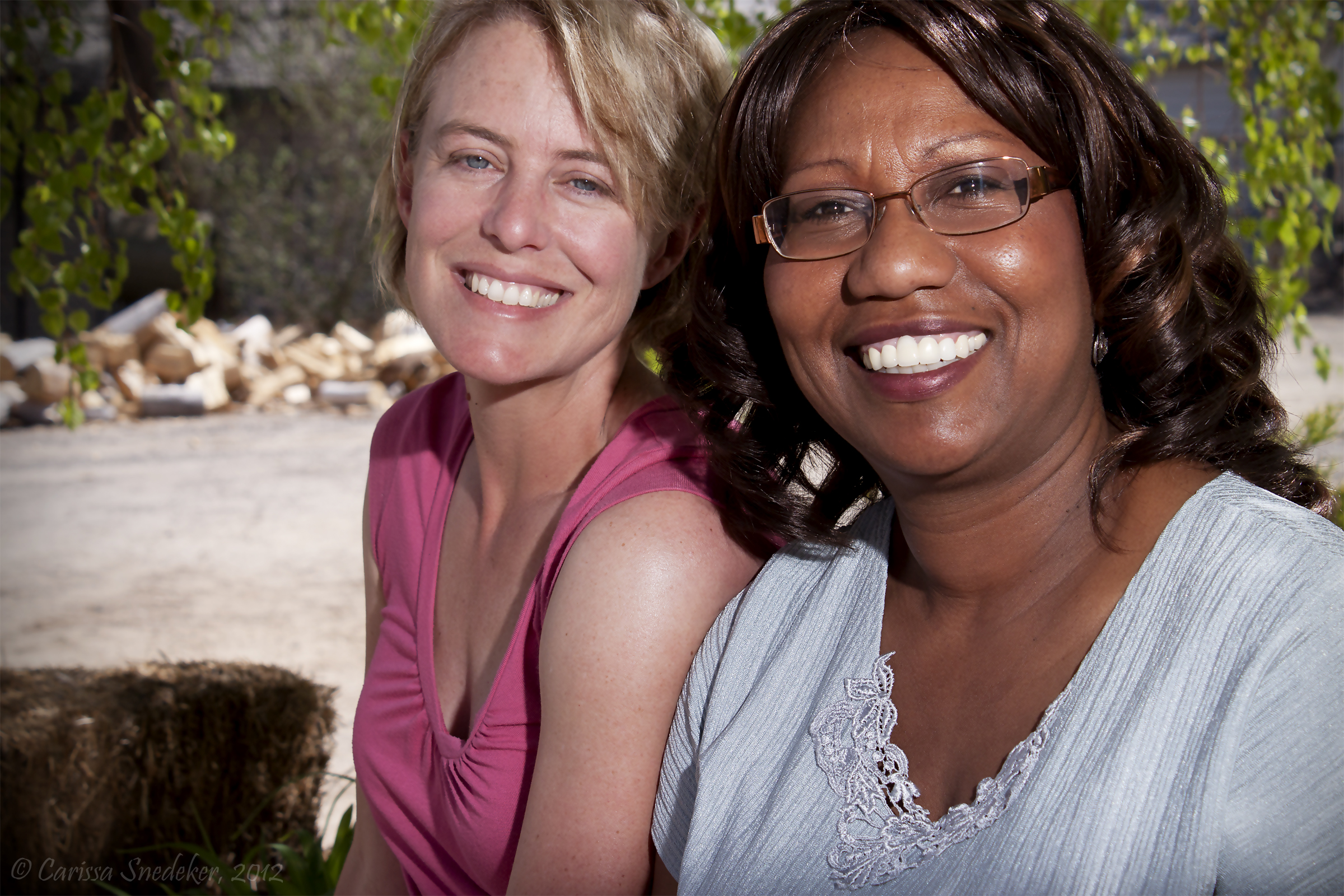
I needed to get stronger shots of two of the women who were key organizers of the MOR event I photographed last weekend. We met at the Dayton Community Center and spent about an hour and a half shooting. My husband was my able assistant, and I couldn’t have done this shoot without him manipulating the reflector.
One of the black and whites I will use for my final project. The color is just for fun.


Edited to add. I swear WordPress does something to photos. These photos have an odd bluish tinge to them that is absent in Photoshop, Facebook and on my Flickr page.
It’s like every tree and shrub decided, “NOW!”

Apple blossoms
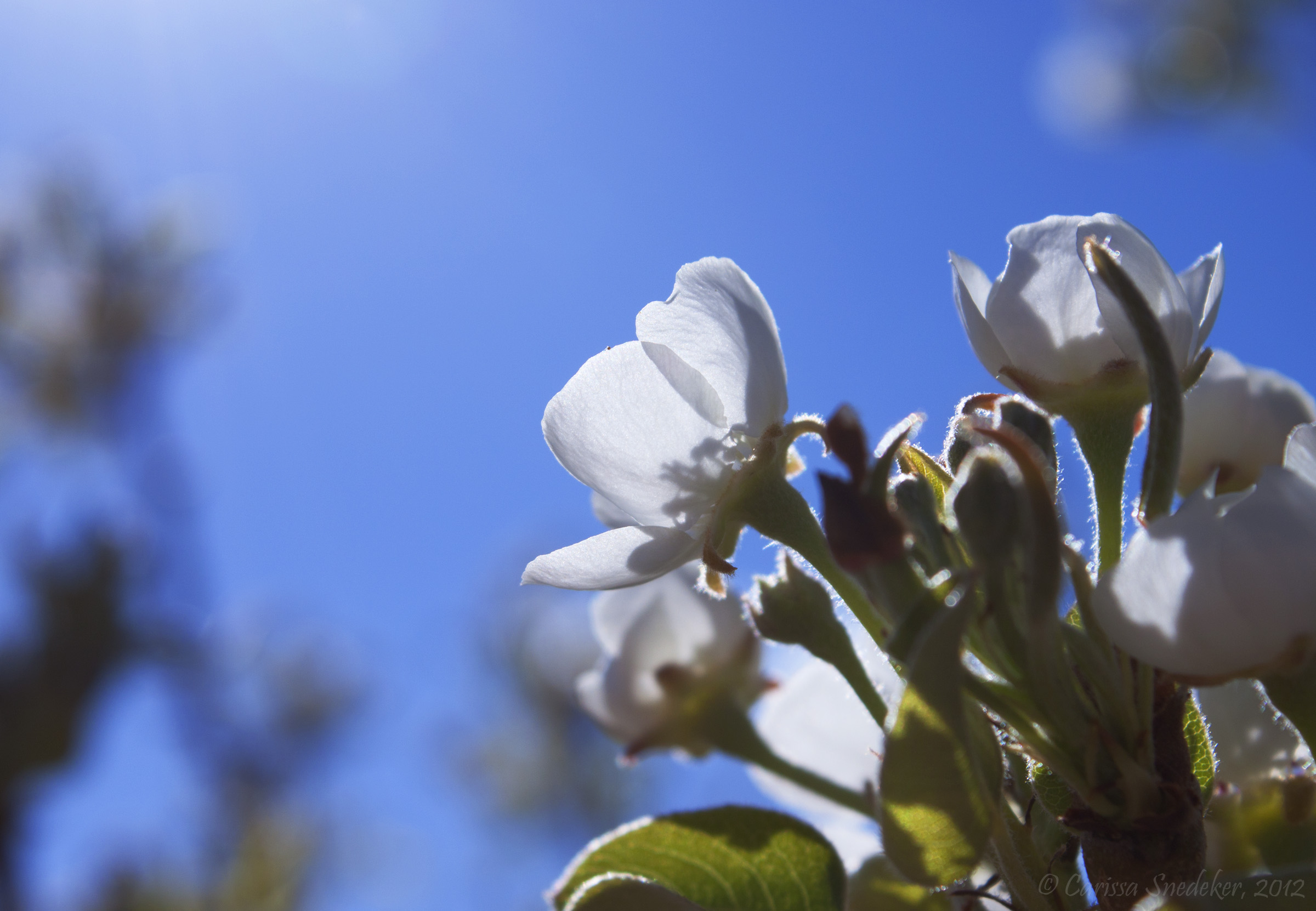
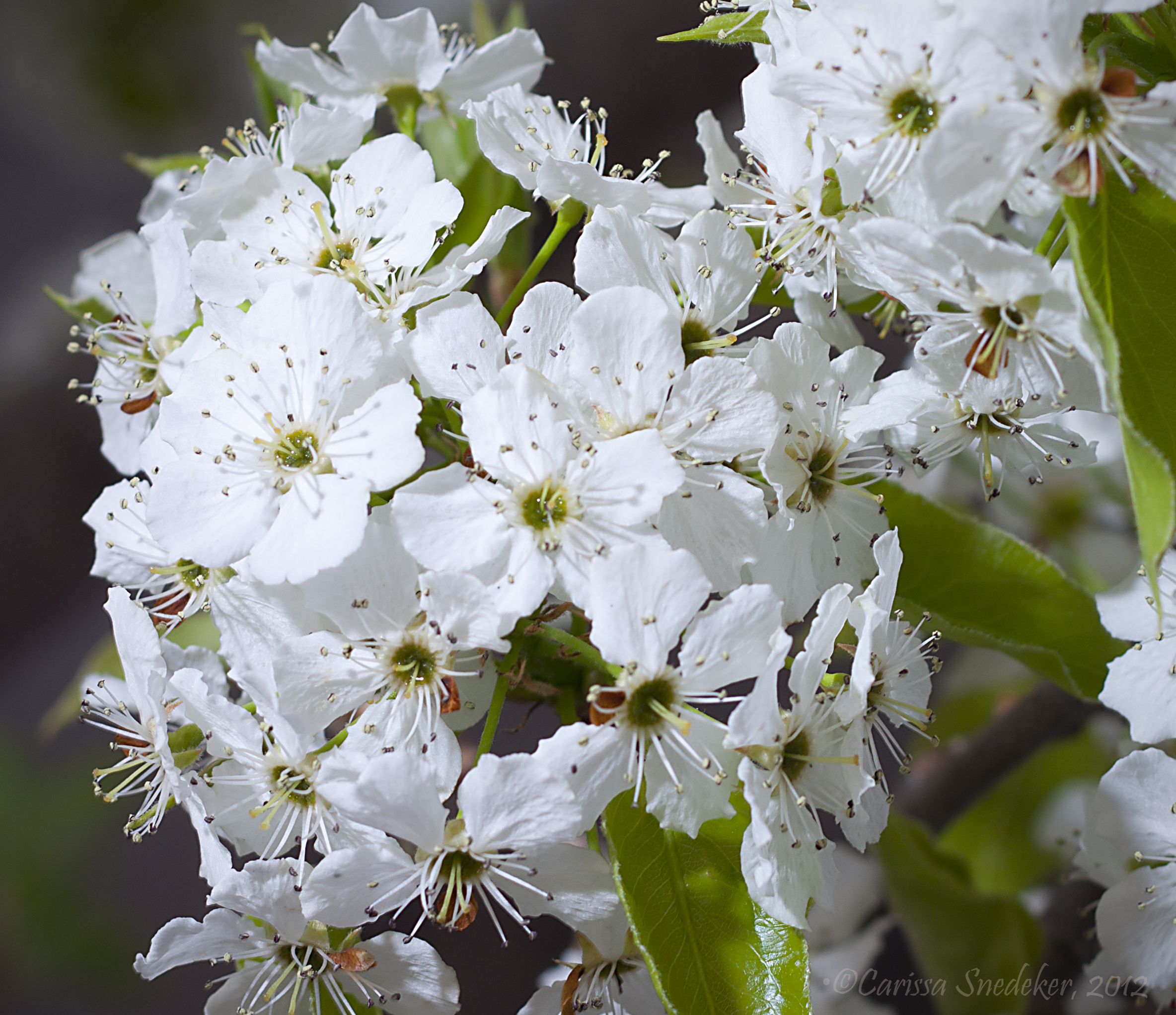
White cherry blossoms

Lilacs

More white cherry blossoms
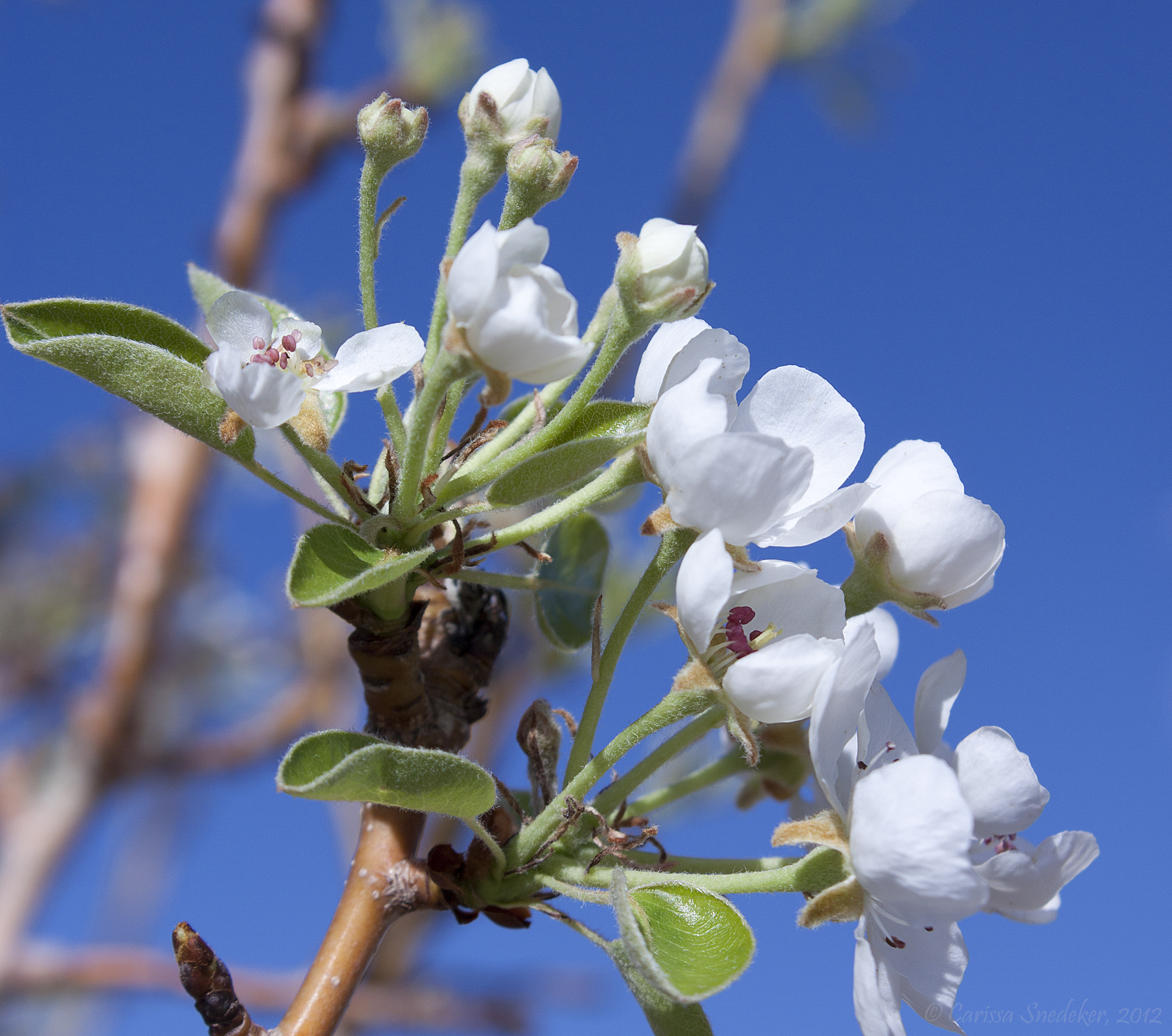
And, still more white cherry blossoms
Playing with my 50mm lens again today. I really love the flexibility it provides as far as depth of field, but with opportunity comes challenge. Today I experimented with very shallow depth of field. It is quite the challenge to find that sweet spot, but oh how I love the effect of falling off focus! f/1.8 was a bit too tight, so I stopped down a bit to 2.2. The best results of both are below.

ISO 100, f/1.8, 1/200s, 50mm

f/2.2, ISO 100, 1/30s, 50mm
Another stab at abstract motion. I really need to play with this more.

A branch against sunset shot with very shallow depth of field.

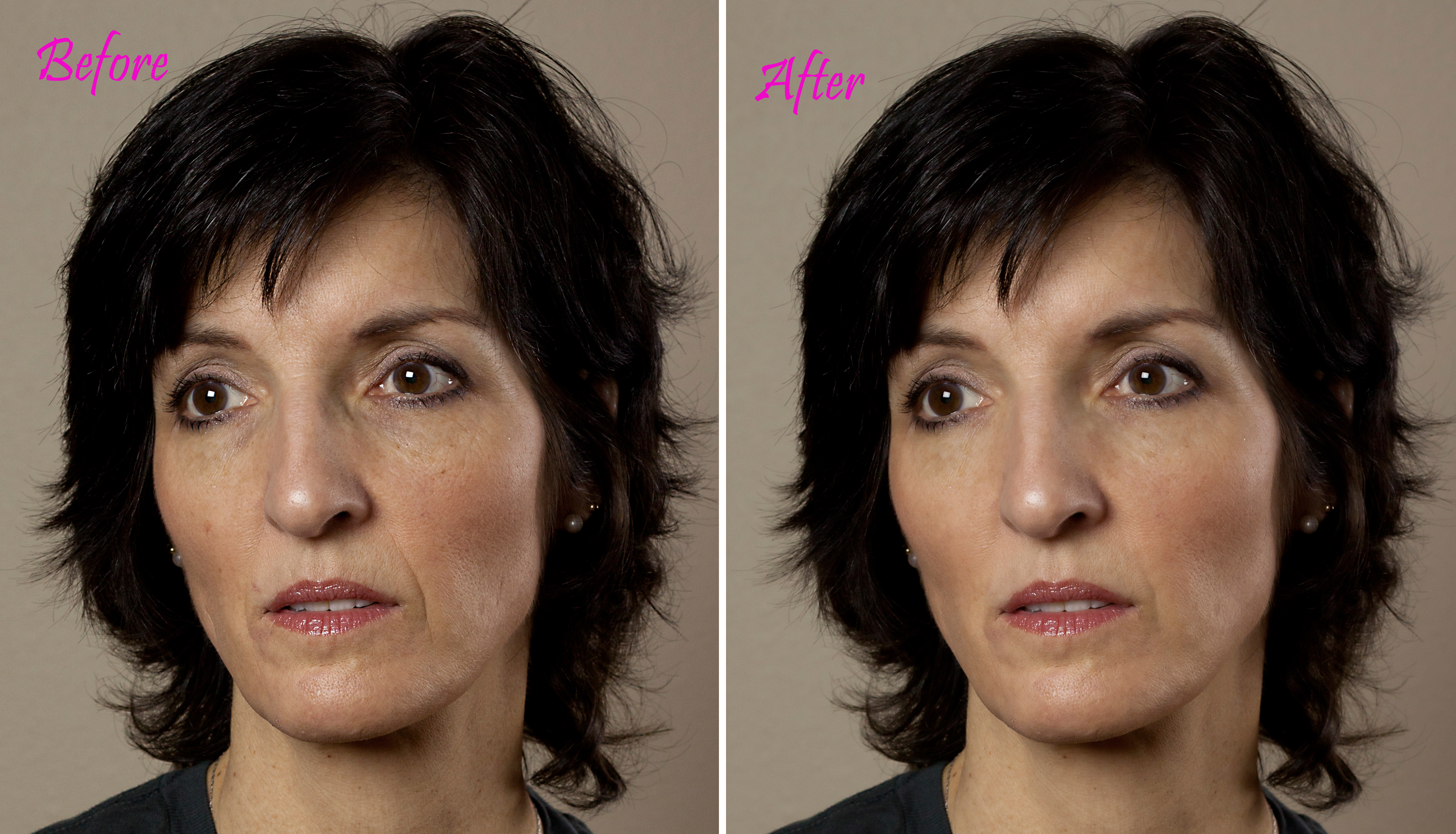
I read this tutorial on removing blemishes and smoothing skin and I just had to try it out.
EDIT: I’ve created a side-by-side jpg to show the subtle changes I made per my note in the comments. As always, clicking on any image will take you to a larger version, and will be very helpful for this particular image.
I took this photo from the other day . . .

Removed a few blemishes, lightened the dark areas under my eyes, corrected a few lines and smoothed my skin. The tutorial said to go 50% on the smoothing, but I just went 25%. Anyway, it was a fun exercise. And the results are interesting. It’s still me, but better.
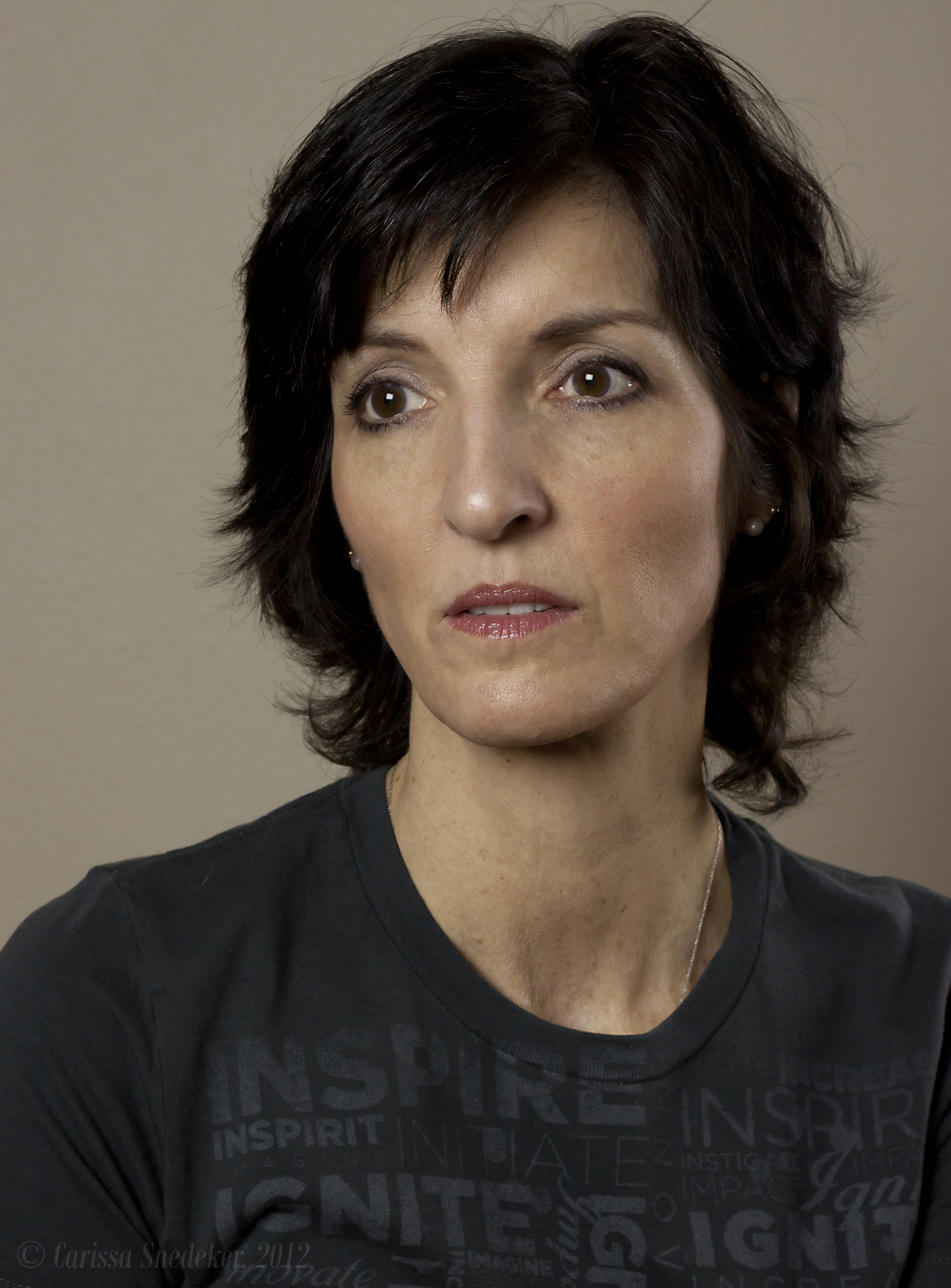
I’m stopping on my way home to have my camera’s sensor cleaned. I was horrified today to notice specks of dust. And since the camera is nearly two years old, I am sure it needs it anyway.
No photo of the day until my baby is all cleaned up. I’ll check in later.
EDITED SIDE-BY-SIDE (click on image for larger resolution)
And lo and behold . . .
 Carissa Snedeker Photography