I’ve been struggling with my color shots, especially those shot indoors. I’ve had a gray card for a few weeks now but haven’t put it to work until today. It makes a world of difference.
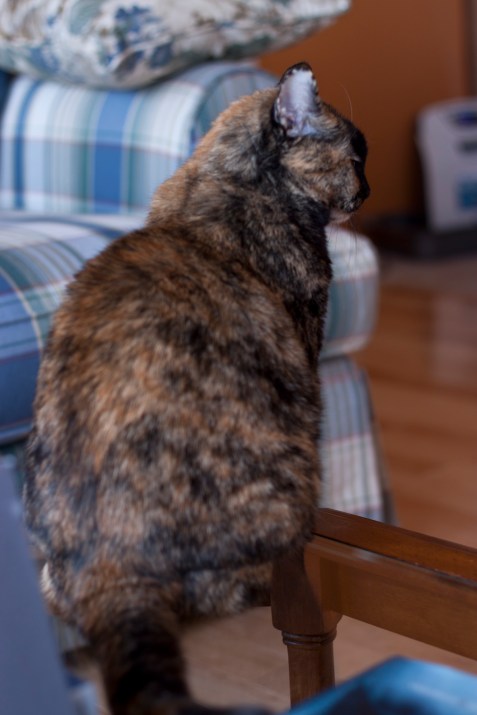
Though I set my camera’s white balance I’ve been noticing that my photos still seem to have a bluer hue to them than the actual scene. Below is a (blurry) photo of Maya sitting on the coffee table. I set the camera’s white balance to “shade.” You can see the gray card in the lower left corner.
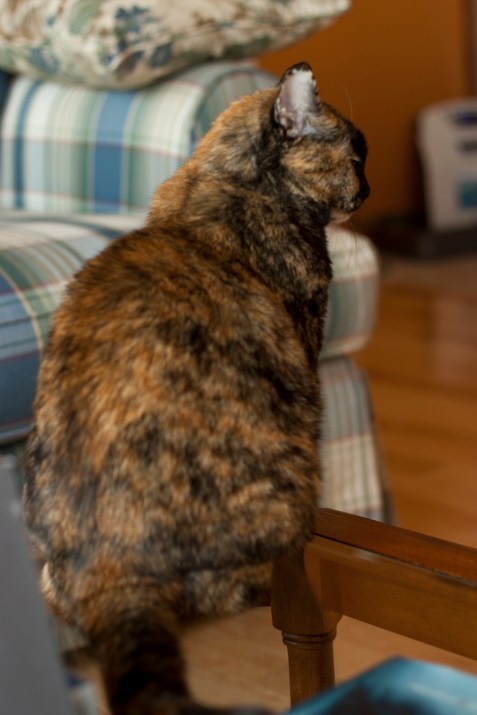
I then opened the RAW file in Adobe Bridge and set the white balance tool using White Balance Tool (click on tool then click on gray card with eye dropper tool).

And . . .
VOILA! Properly-hued kitteh!
Once you have adjusted one photo’s white balance, you can use these settings to synchronize all the rest of the photos in the batch.






 Carissa Snedeker Photography